
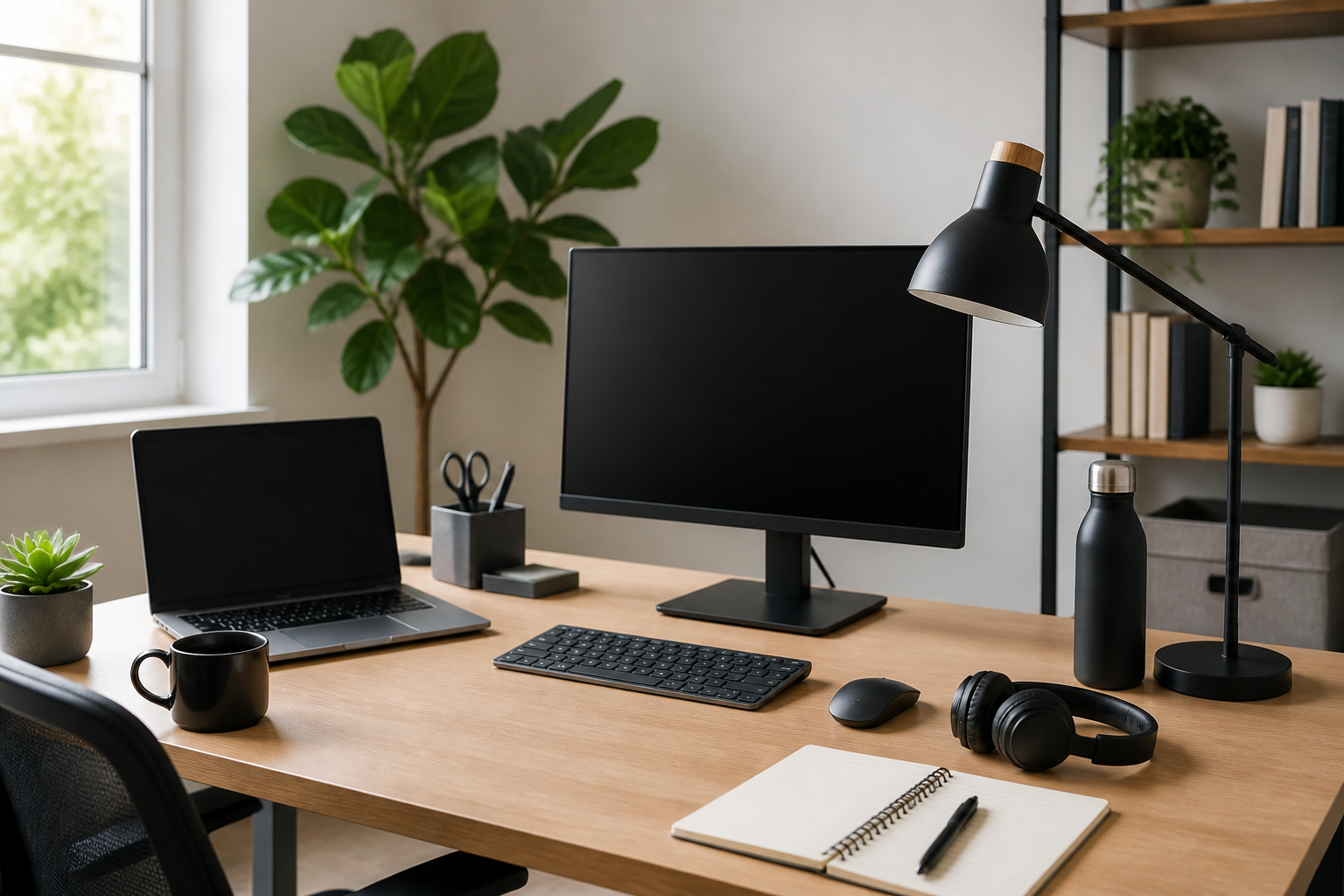
Introduction
A productive home office is not built around one expensive purchase. It comes together through a set of practical essentials that help you stay comfortable, reduce distractions, and move through work with less friction. Whether you work from home every day or only need a space for occasional tasks, the right setup can make a noticeable difference in how easily you concentrate and how long you can work without feeling drained.
This guide covers the best home office essentials for better productivity in a way that is useful for real buying decisions. Instead of focusing on trendy items, it looks at the basics that matter most: seating, desk surface, lighting, storage, technology, and small accessories that support a smoother workflow. The goal is not to create a perfect office overnight, but to help you choose items that fit your space, your work style, and your budget.
If you are setting up a new workspace or improving an existing one, start by thinking about where time is being lost. Are you constantly adjusting your posture? Searching for cables? Feeling distracted by clutter? Dealing with poor lighting? The best essentials solve these everyday problems first.
What Makes a Home Office Productive?
A productive home office is one that reduces unnecessary effort. The right setup should make it easier to begin work, stay focused, and finish tasks without constant interruptions from discomfort or disorganization. For most people, productivity improves when the workspace supports three things: comfort, efficiency, and visual clarity.
Comfort matters because physical strain can pull attention away from work. Efficiency matters because tools should be easy to reach and use. Visual clarity matters because a cluttered or poorly arranged space can make tasks feel more mentally heavy than they are. When shopping for home office essentials, these three ideas are a useful filter.
1. A Supportive Office Chair
If you spend long periods seated, the chair is one of the most important home office essentials. A good office chair supports your body so you can focus on work rather than constantly shifting positions. It also helps your desk setup feel more sustainable for daily use.
Key features to look for
- Adjustable seat height: Helps align your posture with your desk and screen.
- Lumbar support: Provides lower-back support, which many users find helpful during longer sessions.
- Seat depth and width: Should feel comfortable without pressing behind the knees or restricting movement.
- Armrest adjustability: Can help reduce shoulder tension, especially when typing for extended periods.
- Breathable materials: Useful if you work in a warm room or sit for many hours.
When choosing a chair, think about your body size, how many hours you sit, and whether you prefer a firmer or softer seat. A chair that feels good for ten minutes may not feel the same after a full workday, so prioritize adjustability and support over looks alone.
Common mistake: buying a chair only because it is stylish or matches the room. Comfort and support matter more for daily productivity.
2. A Desk That Fits Your Work Style
Your desk sets the foundation for the entire workspace. The best desk is not necessarily the largest one; it is the one that gives you enough room for your work while fitting comfortably into your space. A desk that is too small can create clutter, while one that is too large may dominate a room and reduce flexibility.
What to consider before buying
- Surface size: Enough room for your laptop or monitor, keyboard, mouse, notebook, and a few essentials.
- Height: Should support a comfortable typing position when paired with your chair.
- Shape: Straight desks work well in smaller spaces, while L-shaped desks may suit multitaskers or shared rooms.
- Storage: Drawers or shelves can help keep supplies close without cluttering the surface.
- Stability: A solid desk feels better during typing, writing, and video calls.
If you work with multiple devices or reference materials, choose a desk that leaves some empty space. A small amount of open area can make the workspace feel calmer and easier to use. If your room is tight, a compact desk with vertical storage may be a smarter choice than a large surface.
Standing desk or traditional desk?
A standing desk can be useful for people who want more flexibility in how they work throughout the day. It may suit users who alternate between sitting and standing or who prefer a more adjustable setup. A traditional desk can still be a strong choice if it is paired with a supportive chair and arranged well. The best option depends on your habits, space, and how much adjustment you want in your routine.
3. Proper Lighting for Focus and Reduced Eye Strain
Lighting is often overlooked, but it plays a major role in how comfortable and productive your workspace feels. Poor lighting can make tasks harder to read, create glare on screens, and leave a room feeling dim and tiring. Good lighting supports concentration and helps your workspace feel more inviting.
Types of lighting to consider
- Task lighting: A desk lamp that directs light where you need it for reading, writing, or paperwork.
- Ambient lighting: General room lighting that keeps the whole space evenly lit.
- Natural light: Helpful when available, especially if it does not create glare on your screen.
For buying a desk lamp, look for adjustable brightness and a direction you can control. A lamp with a flexible arm or head is useful because it lets you shift the light based on the task. Warm or neutral light may feel more comfortable in many home office setups, but the best choice depends on personal preference and room conditions.
Buying tip: Position your desk so that windows do not cause direct glare on your monitor. If needed, use curtains or blinds to manage brightness during the day.
4. Monitor, Laptop Stand, or Screen Support
Screen positioning can have a major impact on how comfortable your workspace feels. If you work on a laptop for long periods, raising the screen to a more natural height can make the setup easier on your neck and shoulders. For many users, a simple stand or monitor arm can improve ergonomics without requiring a full desk overhaul.
Helpful options
- Laptop stand: Lifts the screen closer to eye level and frees desk space.
- Monitor stand: Helps improve alignment and may create room underneath for storage.
- Monitor arm: Offers more positioning flexibility and can help with desk organization.
- External monitor: Useful for users who frequently compare documents, edit content, or work across multiple windows.
If you use a laptop, consider pairing it with an external keyboard and mouse so the screen can sit higher without forcing your hands into an awkward position. This can create a more comfortable and efficient layout for longer work sessions.
Common mistake: using a laptop flat on the desk all day without adjusting the screen height or input position.
5. Keyboard and Mouse That Feel Comfortable to Use
Small input devices may not seem like major productivity tools, but they affect how smoothly you work every day. A keyboard that feels responsive and a mouse that fits your hand well can reduce unnecessary frustration and make extended tasks more manageable.
What to look for in a keyboard
- Comfortable key feel: Choose a layout and typing response you can use for long periods.
- Full-size or compact layout: Depends on whether you need a number pad or want to save desk space.
- Wireless or wired: Wireless can reduce cable clutter, while wired avoids battery concerns.
- Quiet operation: May be useful if you share a room or take many calls.
What to look for in a mouse
- Hand fit: A mouse should feel natural rather than forcing your wrist into an awkward angle.
- Responsive tracking: Useful for precise work and smoother navigation.
- Button layout: Extra buttons may help users who want shortcuts for common tasks.
If you spend hours typing or editing, comfort should outweigh novelty. Simple, reliable devices often support productivity better than flashy ones with features you do not actually use.
6. Storage and Organization Tools
Clutter is one of the easiest ways to slow down a home office. When papers, cables, and supplies pile up, even simple tasks can feel harder to start. Good storage does not need to be elaborate. It just needs to make commonly used items easy to find and return to their place.
Useful organization essentials
- Desk organizer: Keeps pens, sticky notes, and small tools in one place.
- File holder or tray: Helps separate active papers from items you do not need immediately.
- Drawer dividers: Useful for keeping smaller supplies sorted.
- Shelving: Good for books, reference materials, and storage bins.
- Cable management tools: Clips, ties, or sleeves can reduce cable tangles and visual clutter.
When choosing storage, think about what you reach for most often. Put daily-use items close to the desk and move occasional items farther away. This simple habit can make your workspace feel more efficient without requiring a large budget.
Buying tip: Avoid buying storage before you understand what needs to be stored. Measure your space and categorize your items first.
7. Noise Management and Focus Aids
Productivity is not only about physical comfort. It also depends on how well your workspace supports concentration. Noise, interruptions, and visual distractions can disrupt focus even when the rest of the setup is good. A few practical tools can help create a calmer work environment.
Options to consider
- Noise-canceling or comfortable headphones: Useful for calls, music, or blocking out background sounds.
- Desk divider or room screen: May help create a sense of separation in shared spaces.
- White noise machine or app: Can be useful for people who prefer steady background sound.
- Door sign or routine cues: Simple non-product tools can also help reduce interruptions in busy homes.
If you work in a shared home, focus tools can be as important as furniture. The goal is not complete silence, but a setup that makes concentration easier to maintain.
8. Power, Charging, and Cable Management
Few things interrupt workflow like a low battery or a mess of cables. A productive home office should make it easy to power your devices without creating more clutter. Good charging and cable organization can save time and help the space stay visually clean.
What helps most
- Surge-protected power strip: Offers multiple outlets in one place for desk equipment.
- Charging station: Can help organize phones, earbuds, or tablets.
- USB hub or dock: Useful for people who regularly connect several devices.
- Cable clips or trays: Keep cords from hanging loosely or tangling under the desk.
When arranging power tools, place frequently used chargers where they are easy to reach. Keep spare cable lengths controlled rather than allowing them to collect on the floor. A few minutes of setup can make the desk feel much less chaotic.
Common mistake: ignoring cable planning until the workspace becomes difficult to clean or use.
9. Small Desk Accessories That Support Daily Workflow
Some of the most useful home office essentials are small items that remove friction from everyday work. These accessories may not seem essential at first, but they can improve how smoothly your day flows.
Examples of practical accessories
- Notebook and pen: Handy for quick notes, planning, and ideas.
- Desk pad: Can protect the surface and create a more organized writing or mouse area.
- Timer or clock: Useful for time-blocking or staying aware of breaks.
- Document holder: Helps when referencing papers while typing.
- Footrest: May improve sitting comfort for some users, especially when the desk height is not ideal.
Choose accessories that solve a real problem in your routine. The best desk add-ons support how you actually work rather than creating extra items to maintain.
How to Choose the Right Home Office Essentials for Your Needs
Not every workspace needs every item at once. A smart buying approach is to start with the essentials that will make the largest difference for your daily work. For many people, that means chair, desk, lighting, and cable management first. Then add items that improve comfort, storage, or focus as needed.
Questions to ask before buying
- What is causing the biggest distraction or discomfort in my current setup?
- How many hours a day will I use this item?
- Does this item fit the size of my room or desk?
- Will it help me stay organized, or will it add more clutter?
- Is it easy to adjust, clean, or maintain?
If you are on a budget, focus on high-impact purchases first. A better chair, more effective lighting, and a cleaner desk layout often provide more practical value than decorative upgrades. If you already have the basics, then smaller enhancements like monitor support or cable tools may be the next best step.
Common Buying Mistakes to Avoid
Many home office purchases go wrong for simple reasons. Avoiding these mistakes can save money and help your workspace work better from day one.
- Choosing style over comfort: Looks matter, but daily use matters more.
- Buying too much at once: It is easier to build a good setup gradually.
- Ignoring measurements: Always check desk size, chair dimensions, and available floor space.
- Overlooking adjustability: Items that can be tailored to you often work better over time.
- Forgetting cable management: A neat workspace is easier to use and maintain.
- Adding accessories without a purpose: Every item should solve a real need.
Practical Setup Tips for Better Productivity
Once you have the right essentials, the way you arrange them matters just as much. A thoughtful layout can make even a simple office feel more productive.
- Keep frequently used items within easy reach.
- Place the monitor at a comfortable viewing height and distance.
- Leave some open desk space so the area does not feel crowded.
- Use one tray or container for active papers.
- Reduce visible cable clutter where possible.
- Set up lighting so your screen is readable without glare.
- Make room for a water bottle or small break item if you work long sessions.
It also helps to review your setup after a week of use. Small changes in chair height, monitor position, or storage placement can make a noticeable difference in how the space feels.
Frequently Asked Questions
What are the most important home office essentials?
For most people, the most important essentials are a supportive chair, a functional desk, good lighting, and a way to keep the workspace organized. After that, screen support, input devices, and cable management become especially useful.
Do I need an expensive setup to be productive at home?
No. A productive home office does not have to be expensive. The key is choosing items that fit your needs well and solve the biggest problems in your current workspace.
Is a standing desk necessary?
Not necessarily. A standing desk can be helpful for some users, but a well-arranged traditional desk can also support productivity. The right choice depends on how you work and how much flexibility you want.
How can I make a small home office more efficient?
Use compact furniture, vertical storage, cable management, and multipurpose accessories. In small spaces, reducing clutter and choosing the right desk layout often matters more than adding more items.
What should I buy first if I am starting from scratch?
Start with the chair and desk, then add lighting and organization tools. If you use a laptop regularly, consider a stand and separate keyboard and mouse as well.
Conclusion
The best home office essentials for better productivity are the ones that make your workday easier to manage. A supportive chair, the right desk, better lighting, comfortable input devices, practical storage, and simple cable organization can all improve how efficiently you work. You do not need a large or expensive setup to see benefits. You need a workspace that matches your habits, reduces friction, and keeps your attention on the task instead of the environment.
As you build or refine your office, start with the items that solve the biggest daily problems. Choose quality and fit over hype. Keep the layout simple. Add only what genuinely supports your workflow. With a thoughtful approach, your home office can become a place that helps you focus, stay comfortable, and get more done with less effort.


