
Introduction
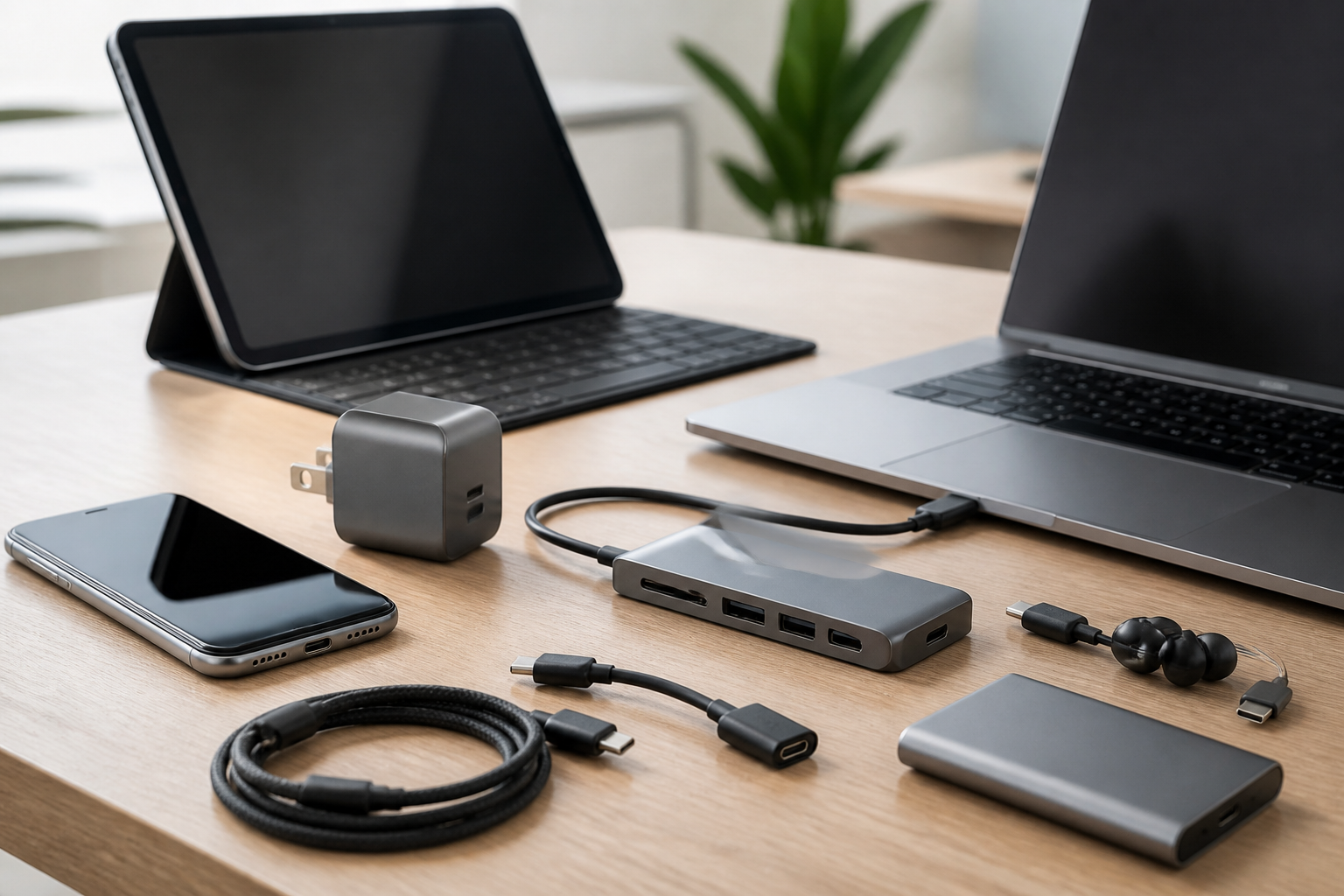
USB-C has become the common connection point for many modern phones, tablets, and laptops, but the port itself only tells part of the story. The real value comes from the accessories you pair with it. A well-chosen USB-C charger can reduce clutter, a durable cable can improve reliability, and a compact hub can turn a slim laptop or tablet into a more flexible workspace. At the same time, not every USB-C accessory is equally useful, and not every product marked “USB-C” will work the way you expect.
This guide breaks down the best USB-C accessories for phones, tablets, and laptops in a practical way. Rather than focusing on a single device type, it explains which accessories matter most, what features to look for, and how to avoid common buying mistakes. Whether you want faster charging, better desk organization, easier file transfer, or a more complete travel setup, the right USB-C accessories can make everyday use much smoother.
Why USB-C Accessories Matter
USB-C is popular because it can carry power, data, and sometimes video through one small reversible connector. That flexibility makes it convenient, but it also creates confusion. Two accessories may look similar and still perform very differently. For example, one cable may support basic charging only, while another supports fast charging, high-speed data transfer, and external display output. Likewise, one hub may only add extra USB ports, while another can connect monitors, memory cards, Ethernet, and power delivery.
For phones, USB-C accessories can help with quick charging, storage backup, wired audio, or connecting to accessories like controllers and card readers. For tablets, they can support productivity, stylus charging, keyboards, displays, and portable storage. For laptops, they often become part of a larger desk setup, helping add ports, wired networking, and multiple peripherals. Choosing the right accessories means matching the product to the task, not just the connector shape.
Best USB-C Accessories to Consider
1. USB-C Wall Chargers
A dependable USB-C wall charger is one of the most important accessories to own. Many devices now support USB-C charging, but charging speed depends on the charger’s output and the device’s charging profile. A well-matched charger can be useful at home, at work, or while traveling.
When comparing chargers, look at the number of ports, total power output, and whether the charger can deliver enough power for your largest device. A phone may charge well with a modest charger, while a laptop usually needs a much higher wattage. If you use several devices, a multi-port charger can be more convenient than carrying several bricks.
Who it suits: people who travel often, users with multiple devices, and anyone who wants to replace several older chargers with one modern option.
Important features to look for:
- Appropriate wattage for your phone, tablet, or laptop
- Multiple ports for shared charging
- Compact design for travel and small desks
- Foldable plugs if portability matters
- Clear power distribution when more than one device is connected
2. USB-C Charging Cables
The cable is just as important as the charger. A cable determines how much power can reach your device and how much data can move through the connection. Some cables are designed mainly for charging, while others support faster data speeds or video output. If you choose the wrong cable, your setup may work but feel slower or less reliable than expected.
For everyday charging, durability and length are often the biggest concerns. Shorter cables work well for portable power banks and desks, while longer cables are more comfortable for couches, beds, and conference tables. Braided jackets, reinforced ends, and strain relief can improve longevity, especially if you plug and unplug your device frequently.
Who it suits: almost everyone with a USB-C device, especially users who want a cable dedicated to fast charging, a backup cable for travel, or a sturdier replacement for an older cable.
Important features to look for:
- Charging support that matches your device and charger
- Data support if you transfer files or connect accessories
- Length suited to your typical use case
- Build quality that can handle regular bending
- Clear labeling so you know what the cable supports
3. USB-C Hubs and Dongles
Many phones, tablets, and especially thin laptops include fewer ports than users need. A USB-C hub helps solve that problem by adding extra connections through one USB-C port. Depending on the model, a hub may include USB-A ports, HDMI, SD or microSD card slots, Ethernet, and additional USB-C power input.
This category is especially useful if you connect external drives, flash drives, cameras, monitors, keyboards, or wired networks. For tablets, a hub can support a more laptop-like workflow. For laptops, it can help reduce the need to constantly swap devices in and out. Because hubs vary widely, it is important to focus on the exact ports you need rather than choosing the most feature-packed model by default.
Who it suits: students, remote workers, content creators, travelers, and users who frequently connect different accessories to one device.
Important features to look for:
- Essential port mix based on your actual devices
- Pass-through charging if you want to charge while using the hub
- External display support if you plan to connect monitors
- Card reader support for photos and media workflows
- Compact size for bag-friendly portability
4. USB-C Docks for Desk Setups
While a hub is often designed for portability, a dock is usually better for a more permanent workstation. USB-C docks can expand a laptop or tablet into a fuller desktop setup with monitors, wired internet, USB peripherals, and power delivery through one cable. For users who work from home or split time between office and remote setups, this can simplify desk organization significantly.
A dock is worth considering if you often connect multiple accessories at once. It can reduce cable clutter and make it faster to move between a mobile setup and a more productive desk environment. The main trade-off is that docks are usually larger and more specialized than small travel hubs.
Who it suits: remote workers, hybrid workers, multitaskers, and anyone who wants a cleaner and more capable desk setup.
Important features to look for:
- Monitor compatibility with your desired display setup
- Enough USB ports for keyboard, mouse, storage, and other devices
- Reliable power delivery for laptops or tablets
- Ethernet support for stable wired internet
- Strong device compatibility with your operating system and hardware
5. USB-C Power Banks
A USB-C power bank is one of the most useful accessories for mobile charging. It can keep a phone running through a busy day, extend the life of a tablet on the go, or provide emergency power for a laptop if the power bank is designed for that level of output. The most practical model is not always the largest one; it is the one that balances capacity, portability, and charging speed for your routine.
For phones, a compact power bank may be enough for commuting and travel. For tablets and laptops, output power becomes more important, because a high-capacity battery is less helpful if it cannot deliver enough power quickly. If you carry a power bank regularly, size and weight matter just as much as capacity.
Who it suits: commuters, travelers, students, field workers, and anyone who spends long periods away from a wall outlet.
Important features to look for:
- Capacity that fits your typical charging needs
- USB-C input and output for modern charging convenience
- Fast charging support for compatible devices
- Portability if you plan to carry it daily
- Clear battery indicators to help manage remaining charge
6. USB-C Earbuds and Headphones
USB-C audio accessories are useful for people who prefer wired sound or want to avoid a separate charging routine for wireless earbuds. A USB-C audio connection may be especially helpful on laptops and tablets during video calls, study sessions, or work that benefits from a stable wired connection. For phones that no longer include a headphone jack, USB-C audio can also serve as a straightforward replacement.
When choosing USB-C earbuds or headphones, think about comfort, microphone quality, and cable length. If you take calls regularly, a good microphone matters more than extra bass or decorative features. If you travel often, portability and a tangle-resistant design may be more important.
Who it suits: students, office workers, travelers, and users who prefer wired audio or want a simple, no-charging solution.
Important features to look for:
- Comfortable fit for longer listening sessions
- Microphone quality for calls and meetings
- Inline controls if you want easier volume or playback adjustment
- Compatibility with your device and operating system
- Durable cable design if you plan to use them daily
7. USB-C Card Readers and Storage Accessories
USB-C card readers and portable storage accessories are especially useful for photographers, students, creatives, and anyone who moves files between devices. A card reader can speed up importing photos and videos, while portable SSDs and flash drives can provide a practical way to back up files or move documents without relying only on cloud storage.
This category matters because storage tasks are often where a poor accessory becomes noticeable. Slow transfer speeds, loose connections, or limited compatibility can disrupt work. If your workflow involves large files, look for accessories that support the performance level you need rather than simply choosing the cheapest option.
Who it suits: photographers, videographers, students, office users, and anyone who wants quick offline file transfer.
Important features to look for:
- Fast transfer speeds appropriate for your files
- Support for your card format if using cameras or media devices
- Compact design for travel and field work
- Reliable connection with minimal dropouts
- Cross-device compatibility across your phone, tablet, and laptop
8. USB-C to Display Accessories
Some USB-C accessories allow video output to external monitors, projectors, or televisions. This can be useful for presentations, streaming, multitasking, or creating a more comfortable workspace. Depending on the device and accessory, you may need a cable, adapter, hub, or dock that specifically supports display output.
Not every USB-C port behaves the same way, so display compatibility should be checked carefully. If your goal is to mirror a phone or tablet screen, or extend a laptop display, make sure the accessory and device both support the required video mode. This is one of the most common areas of confusion for buyers.
Who it suits: presenters, remote workers, students, gamers, and anyone who wants a larger screen for productivity or entertainment.
Important features to look for:
- Explicit display support in the product description
- Resolution support for your monitor or TV
- Stable connection for work or presentation use
- Compatibility with your device’s USB-C capabilities
- Pass-through charging if the same accessory also powers your device
How to Choose the Right USB-C Accessories
Match the accessory to the device
The best accessory for a phone is not always the best accessory for a laptop. Phones often need compact chargers, small cables, and portable power banks. Tablets may benefit from hubs, stylus-friendly charging setups, and keyboard support. Laptops often need higher wattage charging, multiport docks, and reliable video output. Start with your main use case before looking at extra features.
Check charging and power requirements
USB-C charging is not universal in practice. Different devices may need different power levels, and some accessories work best only when paired correctly. Before buying, confirm that the charger, cable, and device can work together at the speed you expect. If you are charging a laptop, especially, make sure the accessory can supply enough power.
Do not overlook cable quality
A premium charger cannot overcome a poor cable. If a cable does not support the required power or data rate, the rest of your setup may be limited. Cable length, flexibility, and durability should all be part of the decision, especially if you use your device while it is plugged in.
Think about port needs now and later
Buying a hub or dock with extra ports can be useful, but only if those ports are genuinely relevant. It is easy to overbuy on specifications and end up with an accessory that is bulky, expensive, or unnecessarily complex. A simpler accessory that matches your current workflow is often the better choice.
Consider portability versus desk use
Some USB-C accessories are designed for travel, while others are better left on a desk. A small hub and compact charger are easy to carry. A dock with multiple monitor outputs and many ports may be more appropriate for one location. Deciding where you will use the accessory most often can narrow the field quickly.
Common Buying Mistakes to Avoid
One common mistake is assuming that any USB-C cable or charger will work the same way. Another is buying a hub with too many features you do not need, only to discover that it is awkward to carry and not as useful in daily use. A third mistake is forgetting about power delivery needs, especially for laptops and tablets that can demand more power than a basic accessory provides.
Another frequent issue is overlooking video compatibility. If you want to connect a monitor, make sure the accessory supports that function rather than assuming every USB-C port can do it automatically. It is also worth avoiding products with vague descriptions. Good product listings usually explain charging output, supported data rates, and display features clearly. If the specifications are unclear, that can be a warning sign.
Practical Tips for Building a USB-C Accessory Kit
A balanced USB-C kit usually starts with three essentials: a reliable charger, at least one durable cable, and a portable power bank or hub depending on your routine. From there, add accessories based on the devices you use most. Laptop users often benefit from a dock and a monitor cable. Tablet users may appreciate a compact hub and keyboard support. Phone users often gain the most from a fast charger, a short cable for portable charging, and a power bank for days away from home.
It also helps to standardize where possible. Using similar cables and chargers across devices can reduce confusion and make packing easier. When buying for multiple family members or coworkers, labeling cables or keeping them in separate pouches can save time and reduce mix-ups.
If you travel frequently, choose accessories that can handle changing environments. Compact chargers, short cables, and multiport devices are easier to pack than a collection of single-use items. If your setup is mostly at home, prioritize comfort and convenience over size. A longer cable or a sturdy dock may be more useful than the smallest possible accessory.
Frequently Asked Questions
Are all USB-C accessories compatible with all USB-C devices?
No. USB-C is the connector shape, not a guarantee of the same features across every product. Charging speed, data transfer, and display support can vary widely. Always check the accessory’s specifications and your device requirements.
What is the most important USB-C accessory to buy first?
For most people, a good USB-C charger and a durable USB-C cable are the best starting points. After that, the next accessory depends on your needs, such as a hub for extra ports, a power bank for travel, or a dock for a desk setup.
Do I need a hub or a dock?
If you need portability and only a few extra ports, a hub is usually enough. If you want a more complete workstation with multiple devices connected at once, a dock is often the better choice.
Can one USB-C accessory work for my phone, tablet, and laptop?
Sometimes, yes. A multiport charger, cable, or hub may work across several devices, but performance still depends on each device’s requirements. A single accessory can be versatile, but it still needs to provide the right power and features for each product.
How do I know if a cable supports fast charging?
Look for clear specifications from the manufacturer. Cable packaging or product descriptions should mention charging support, power limits, or compatibility with fast-charging standards. If that information is missing, do not assume the cable will support high-speed charging.
Conclusion
The best USB-C accessories are the ones that solve a real problem in your daily routine. For phones, that may mean a fast charger, a sturdy cable, and a portable power bank. For tablets, it may be a hub, keyboard-friendly setup, and reliable charging. For laptops, the most useful accessories are often a higher-wattage charger, a capable dock, and the right cables for data and display.
Because USB-C accessories vary so much in capability, the key is to shop by function rather than by connector alone. Focus on power, data, display support, build quality, and portability based on how you actually use your devices. With a thoughtful setup, USB-C can simplify charging, reduce clutter, and make phones, tablets, and laptops easier to use every day.


