
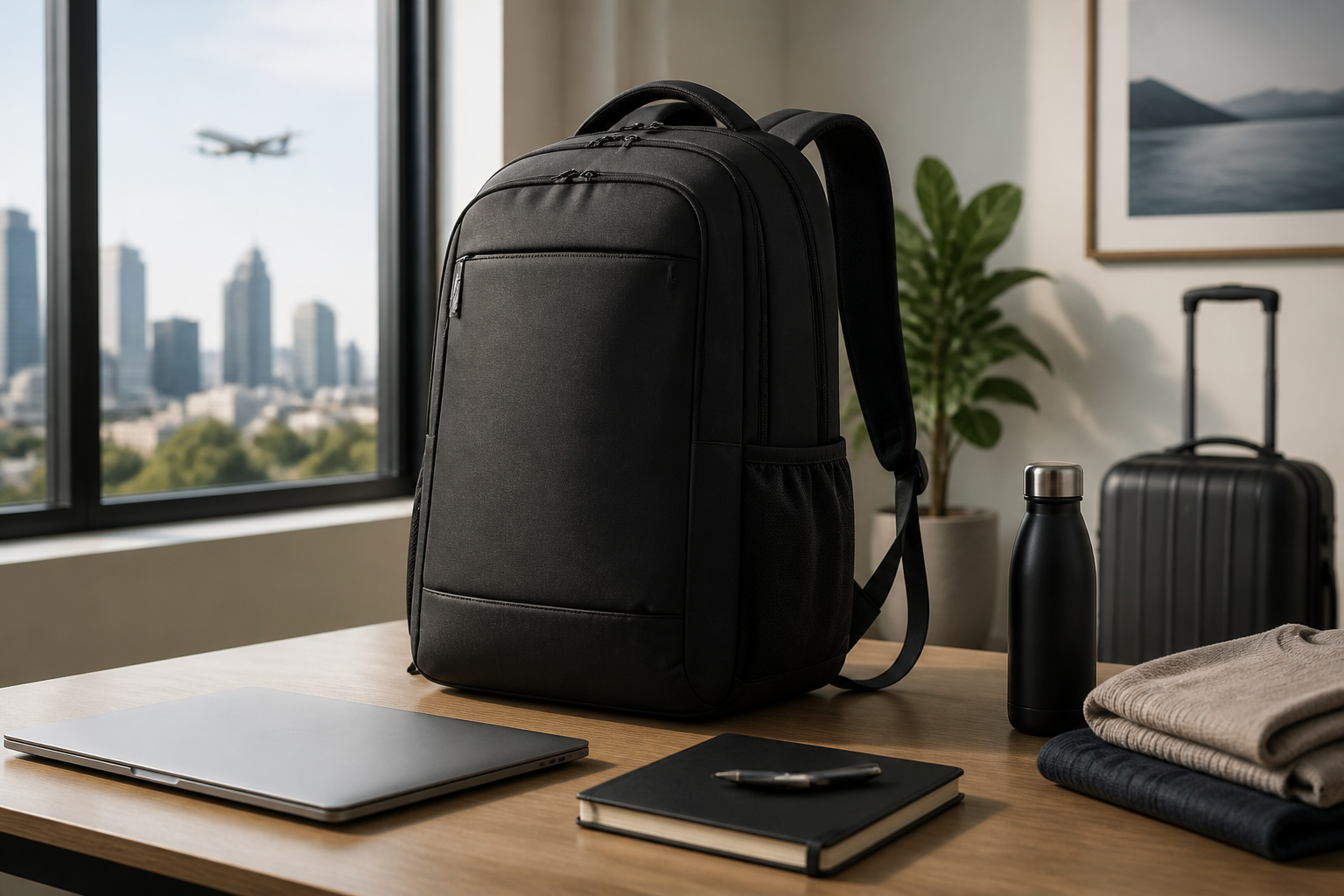
Introduction
A laptop backpack for work and travel needs to do more than carry a computer. It should keep your device protected, organize office essentials, fit comfortably through a commute, and remain practical when you are moving through airports, trains, rideshares, or hotel lobbies. The best choice is not always the largest backpack or the one with the most pockets. It is the one that matches how you actually travel and what you carry each day.
If you are comparing options for a hybrid work routine, business travel, or occasional overnight trips, it helps to focus on a few core factors: laptop fit, storage layout, comfort, durability, security, and style. A well-chosen backpack can make your routine feel more organized and less stressful, while the wrong one can become heavy, awkward, and frustrating quickly.
This guide walks through the most important things to consider before buying a laptop backpack for work and travel, so you can make a practical choice based on real use rather than marketing language.
Start With How You Will Use It
The best backpack for a daily office commute is not always the best backpack for frequent flights. Before comparing materials or features, think about your typical week. Do you mostly carry the backpack from home to office and back? Do you travel overnight several times a month? Do you need room for gym clothes, cables, documents, or a tablet? Your answers will shape the size and layout you need.
Common use cases
- Daily work bag: Designed for laptop, charger, notebook, water bottle, and a few personal items.
- Work and short travel bag: Needs enough capacity for electronics, toiletries, and an extra outfit.
- Frequent business travel bag: Should prioritize easy airport movement, organized compartments, and carry-on-friendly size.
- Flexible hybrid bag: Balances professional appearance with enough space for both work essentials and travel gear.
Being clear about your main use helps you avoid overbuying a bag that is too large or underbuying one that cannot handle your routine. A backpack that is comfortable when half full may feel awkward if it is always overpacked, so the right capacity matters.
Choose the Right Size and Capacity
Size is one of the most important decisions, because it affects comfort, portability, and storage. Laptop backpack capacity is often measured in liters, but practical organization matters just as much as the number itself. A 20-liter backpack with smart compartments can be more useful than a 30-liter bag with one large open cavity.
Think beyond liters
When comparing backpack sizes, consider what you carry every day and what you need during travel. A smaller pack may be enough if you only bring a laptop, charger, wallet, keys, and a notebook. A larger pack may be better if you also carry lunch, a tablet, headphones, a jacket, or travel items.
For work and travel, many buyers find a mid-sized backpack to be the most versatile. It should be compact enough for commuting and cabin-friendly travel, yet roomy enough for essentials without forcing you to overstuff it.
Check laptop compartment dimensions
Do not rely on the label alone when it says a backpack fits a “15-inch laptop” or “17-inch laptop.” Laptop sizes can vary by brand and shape. If possible, check the actual compartment measurements and compare them with your device dimensions, including any protective sleeve you use. A snug compartment can help with stability, but it should not be so tight that removing the laptop becomes difficult.
Also look at how the laptop compartment is positioned. A padded section close to the back panel usually feels more stable and balanced than one placed far from your body.
Prioritize Comfort for Commutes and Travel Days
Comfort matters more than many buyers expect, especially if you carry the bag through long terminals, station platforms, parking lots, or city streets. A backpack that looks polished but pulls on your shoulders can become a daily annoyance. Focus on the parts that affect how the weight is distributed.
Look for supportive straps
Shoulder straps should be wide enough to spread weight and padded enough to reduce pressure. Adjustable straps are essential so you can set the bag higher or lower on your back depending on your body shape and what you are carrying. Poorly designed straps can make even a lightweight backpack feel uncomfortable.
Consider the back panel
A padded back panel can improve comfort and help the backpack sit more securely. For travel, a panel with airflow channels or mesh can reduce heat buildup during longer carries. If you expect to wear the bag for extended periods, back comfort should be a major priority.
Check weight before you pack it
The backpack itself should not be overly heavy. A large bag with thick padding and multiple hardware pieces may feel durable, but it can add unnecessary weight before you even load your laptop. For work and travel, a good balance of structure and low empty weight is ideal.
Evaluate Organization and Access
Organization is often the difference between a backpack that feels efficient and one that feels messy. For work and travel, you usually need quick access to a few important items: laptop, charger, phone, passport, wallet, pens, notebook, and perhaps earbuds or a business card holder. A bag with thoughtful compartments can save time and reduce searching.
Useful compartment features
- Laptop sleeve: A dedicated padded section for safe and stable laptop storage.
- Tablet pocket: Helpful if you use a second device for meetings or reading.
- Document sleeve: Keeps papers or a slim folder from getting bent.
- Accessory pockets: Good for cables, chargers, pens, and small tech items.
- Water bottle pocket: Convenient for commuting and short trips.
- Quick-access pocket: Useful for items you reach for often.
Too many pockets can be just as inconvenient as too few. If every item has a place, that is helpful. If the layout is overly complicated, it may slow you down. Look for a design that matches how you organize your own things.
Airport and commute convenience
For travel, it helps when the main compartment opens wide enough to see contents clearly. Clamshell or suitcase-style openings can make packing and unpacking easier. For daily work, top-access pockets and side pockets can be convenient if you want to grab essentials quickly without opening the whole bag.
Choose Materials That Fit Your Use
Materials affect durability, appearance, water resistance, and maintenance. There is no single best fabric for every person, but some choices make more sense for mixed work and travel use.
Common material considerations
- Nylon and polyester: Often used for everyday backpacks because they can be lightweight and practical.
- Ballistic-style fabrics: Typically associated with a more structured, durable feel.
- Canvas: Can offer a casual or classic look, though it may not be the lightest option.
- Leather accents or full leather: May look professional, but can add weight and require more care.
Material choice should reflect your environment. If you commute in varied weather, some degree of water resistance is useful. If you want a sharper office look, a more structured exterior may feel appropriate. If you prioritize portability above all, lighter materials are often better.
Pay attention to hardware and stitching
Zippers, buckles, seams, and strap attachments matter because they are common stress points. Reinforced stitching and quality zipper construction can improve long-term reliability. Smooth zipper operation is especially important if you access the bag frequently during travel or in transit.
Look for Weather Protection Without Overcomplicating It
For a laptop backpack used in work and travel, some weather protection is usually worth having. You may walk in rain, set the bag on damp surfaces, or place it under an airplane seat. A backpack with a water-resistant exterior can offer more peace of mind, but it is important to understand that water-resistant and waterproof are not the same thing.
Instead of focusing only on labels, look at practical details such as covered zippers, raised base panels, and padded laptop storage. A bag that sheds light moisture and protects your electronics from minor exposure is often enough for most users. If you expect frequent heavy rain, you may also want to use a separate rain cover or protective sleeve.
Think About Security and Peace of Mind
Travel often means crowded spaces, so security features can matter. That does not mean every backpack needs every anti-theft feature available. It means choosing the features that fit your comfort level and travel habits.
Security features to consider
- Hidden or less obvious pockets: Useful for passport, cards, or valuables.
- Lockable zippers: Can add a layer of control when traveling.
- Rear-access compartments: May make it harder for someone to reach into the bag while it is worn.
- RFID-blocking pockets: Sometimes included for those who want extra card protection.
These features can be helpful, but they should not replace good habits. Keeping essentials in consistent places, avoiding overpacking, and staying aware in crowded areas are often more practical than relying only on special pockets.
Balance Professional Style With Travel Practicality
A work-and-travel backpack should look appropriate in a professional environment while still being functional on the move. Some designs lean sporty, some lean sleek and minimal, and some look more executive. The right style depends on your workplace, your wardrobe, and how you want to present yourself.
What to consider about appearance
A very technical-looking backpack can be excellent for travel but may feel out of place in a formal office. A bag with a polished exterior and clean lines may suit business settings better, though it should still offer the organization you need. Neutral colors often work well because they tend to be easier to match with office wear and casual travel outfits.
Try to choose a style that is versatile enough for both settings. A backpack that looks at home in a meeting room and on an airplane is often the most practical long-term choice.
Decide Which Extra Features Are Actually Worth It
Many backpacks include extras that sound appealing, but not all of them are necessary. The best features are the ones you will genuinely use. Extra features can improve convenience if they fit your routine, but they can also add cost and complexity.
Features that may be useful
- Luggage pass-through strap: Helps secure the backpack to a rolling suitcase handle.
- USB pass-through or charging port: May be convenient, though it still requires your own power bank setup.
- Expandable design: Useful if your carrying needs change between workdays and trips.
- Sternum strap: Can improve stability for heavier loads.
- Top handle: Helpful for lifting the bag into overhead bins or car seats.
If you rarely travel with a suitcase, a luggage pass-through may not matter much. If you never carry a power bank, a charging port may be unnecessary. Choosing fewer but more relevant features often leads to a better purchase.
Match the Backpack to Your Work Style
Different work routines call for different backpack priorities. Someone who goes directly from home to desk to home may want a slim, organized bag. Someone who moves between office, client sites, coffee shops, and airport lounges may need more flexibility.
For office commuters
Look for a backpack that is structured, easy to carry, and not too bulky. A clean design with enough room for a laptop, charger, notebook, and lunch can be ideal. Comfort and appearance may matter more than large travel capacity.
For frequent travelers
Prioritize wide-opening compartments, durable materials, quick-access pockets, and a size that works as a carry-on personal item when possible. Easy access during security checks and transit can make a big difference.
For hybrid workers
Hybrid workers often benefit from a middle-ground backpack: compact enough for daily use, but with enough room for an extra layer, work documents, and travel items. Versatility should be the main goal.
Common Buying Mistakes to Avoid
It is easy to choose a backpack based on looks alone, then discover it is uncomfortable or inconvenient. A few common mistakes can be avoided with a little planning.
- Buying too large a bag: Extra space may seem useful, but oversized backpacks can encourage clutter and feel bulky.
- Ignoring laptop fit: A laptop compartment must fit your actual device comfortably.
- Overlooking strap comfort: A stylish bag is not enough if it is uncomfortable to carry.
- Choosing form over function: A sleek exterior is less useful if there is no practical organization inside.
- Assuming more pockets means better organization: Poor pocket placement can make access harder.
- Forgetting about travel needs: If you fly or ride trains often, luggage compatibility and quick access matter.
Thinking through these issues before you buy can help you avoid return hassles and disappointment later.
Practical Tips for Comparing Backpacks
When you narrow your choices, compare them using a simple checklist. This makes it easier to see which backpack suits your routine instead of getting distracted by small design details.
- Check your laptop size first and compare it with the compartment dimensions.
- Estimate your daily carry so you do not buy more capacity than you need.
- Test the organization mentally by imagining where each item would go.
- Review strap and back padding if you commute long distances.
- Look for travel-friendly details such as a luggage strap or easy-access pocket.
- Consider the overall weight of the empty bag before adding electronics.
- Choose a style you will actually want to wear in both work and travel settings.
If possible, read the product dimensions carefully rather than relying on broad marketing descriptions. A backpack can look compact in photos and still feel large in person, or appear slim while offering surprisingly little usable space.
Frequently Asked Questions
What size laptop backpack is best for work and travel?
For many people, a mid-sized backpack is the most practical choice. It should fit your laptop comfortably and leave room for daily essentials without becoming too bulky. The ideal size depends on how much you carry and whether you travel overnight or only occasionally.
Is a water-resistant backpack enough for travel?
For most everyday work and travel situations, water resistance is a useful feature. It can help with light rain and minor spills. If you expect heavy rain or frequent exposure to wet conditions, additional protection such as a rain cover may be helpful.
Should I choose a backpack with lots of pockets?
Not necessarily. More pockets can help with organization, but only if the layout is intuitive. A backpack with a few well-placed compartments is often more practical than one with many pockets that are hard to use.
Can one backpack really work for both office use and air travel?
Yes, if you choose carefully. Look for a design that balances professional appearance, comfortable carrying, laptop protection, and travel-friendly access. The best hybrid backpack is versatile without trying to do everything at once.
What is the most important feature to prioritize?
That depends on your routine, but laptop protection, comfort, and size are usually the top priorities. If you travel frequently, organization and easy access may also be essential. A good backpack should support your actual day-to-day use, not just look impressive.
Conclusion
Choosing a laptop backpack for work and travel becomes much easier when you focus on how you will really use it. Start with laptop fit and capacity, then evaluate comfort, organization, weather resistance, security, and style. Try to avoid oversized designs, awkward pocket layouts, and features you are unlikely to use. A good backpack should make your routine simpler, not more complicated.
When you compare options with your commute and travel habits in mind, you are more likely to find a backpack that feels comfortable in the office, practical on the road, and reliable day after day. The right choice is the one that fits your laptop, your load, and your lifestyle with minimal friction.


